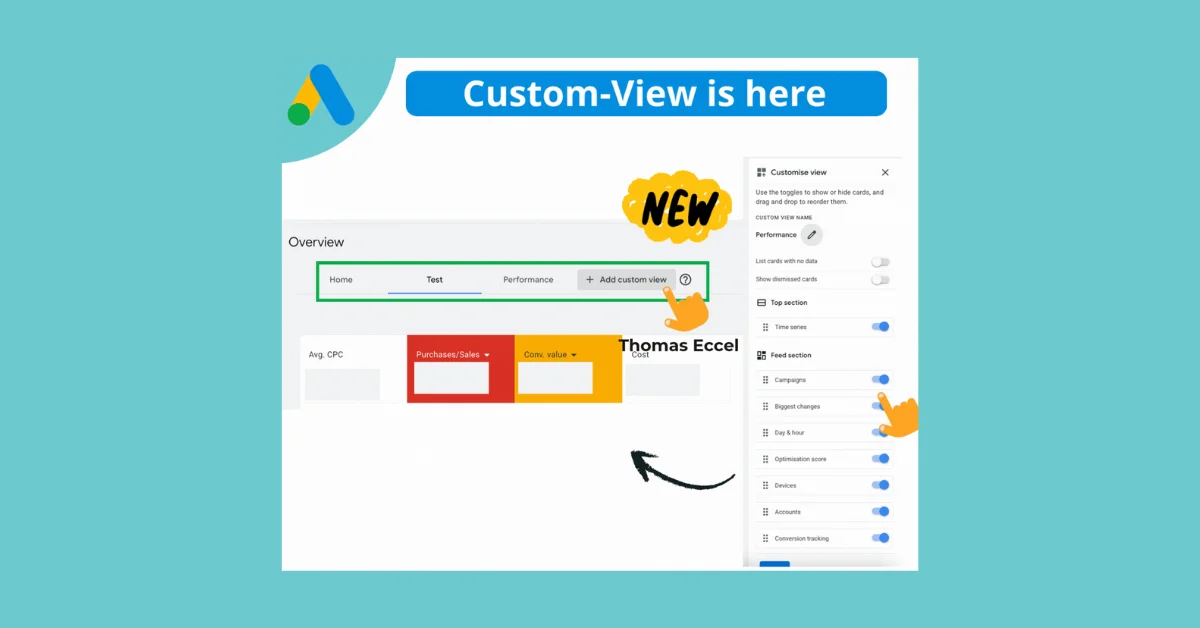
You can now create your own Overview on Google Ads using the new "Custom View" setting in the Google Ads UI. This feature allows you to personalize your dashboard by adding custom tabs such as “Performance,” “Report,” or “Optimise” based on your needs. You can toggle cards on or off to hide irrelevant information like “Day & Hour” and focus on metrics that help you make quick decisions. Additionally, you can reorder the layout with drag-and-drop functionality to design your ideal dashboard. Up to 5 different custom views can be saved for easy switching between configurations.


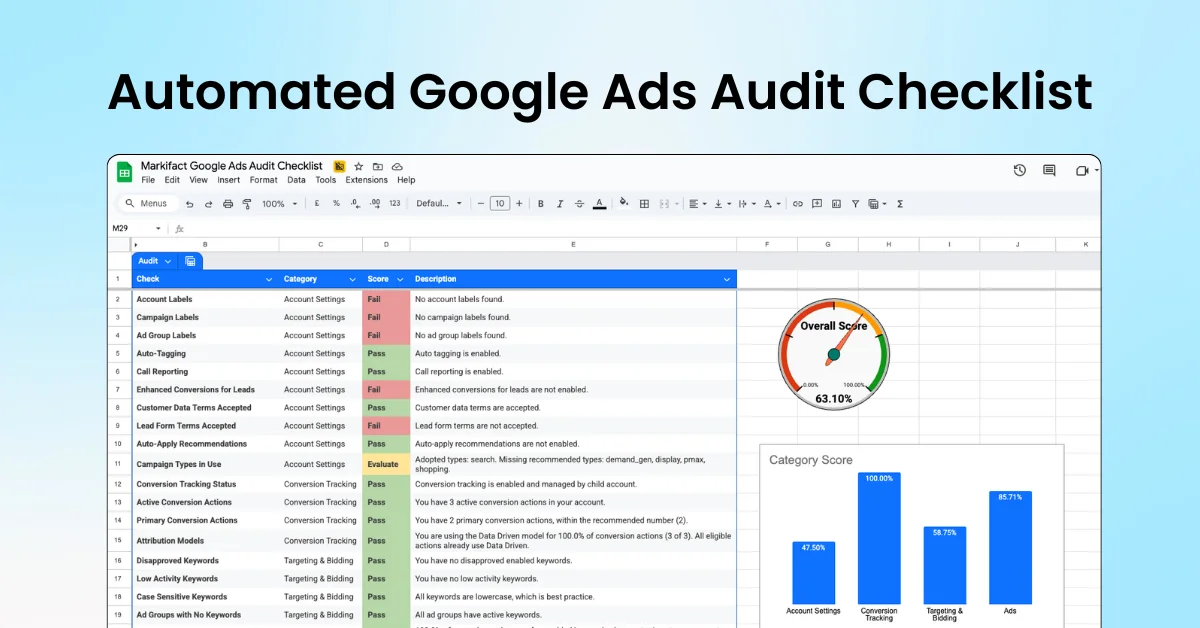
Google Ads Audit, Done Automatically
Featured