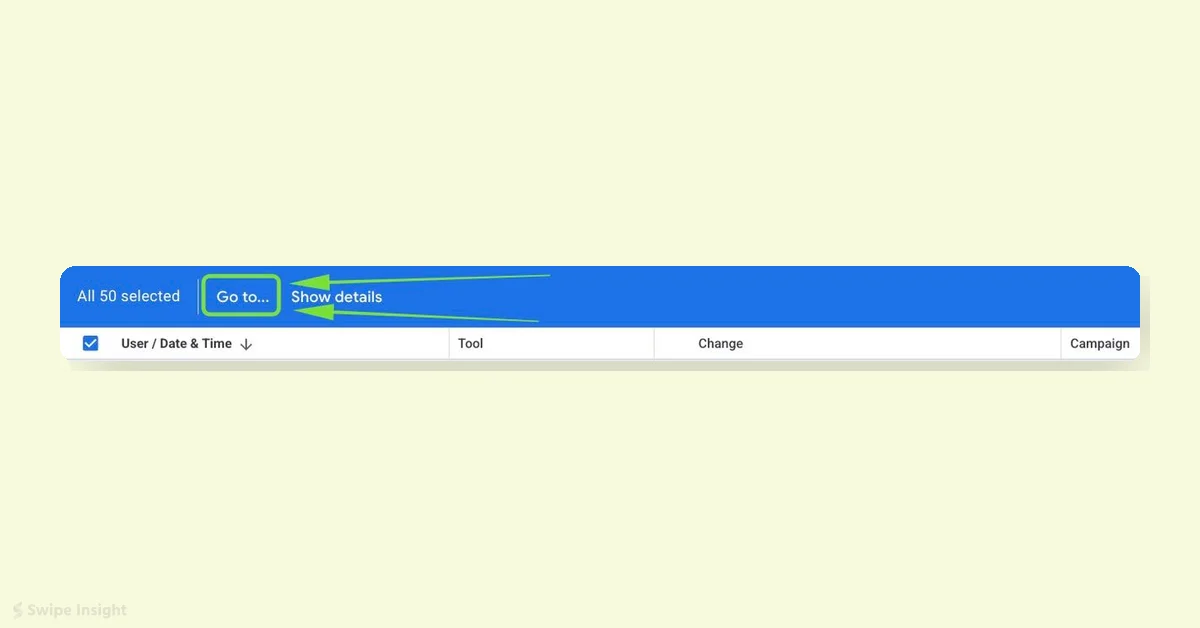
Google Ads has introduced a new “Go to…” button in the Change history report to improve navigation and user experience. This feature allows users to jump directly from a logged change to the specific campaign or ad group affected, reducing the time spent on audits and troubleshooting.
The “Go to…” dropdown lets users select changes in the Change history report and navigate immediately to the impacted entity, removing the need to manually search through the account. Arpan Banerjee spotted this update.
This feature addresses a major challenge in account management: quickly identifying what changed and where. It saves time for teams managing large accounts or using scripts and Google Ads Editor by providing faster access to relevant campaigns or ad groups.
Though a subtle update, the “Go to…” button offers significant time savings for advertisers frequently working with the Change history report.