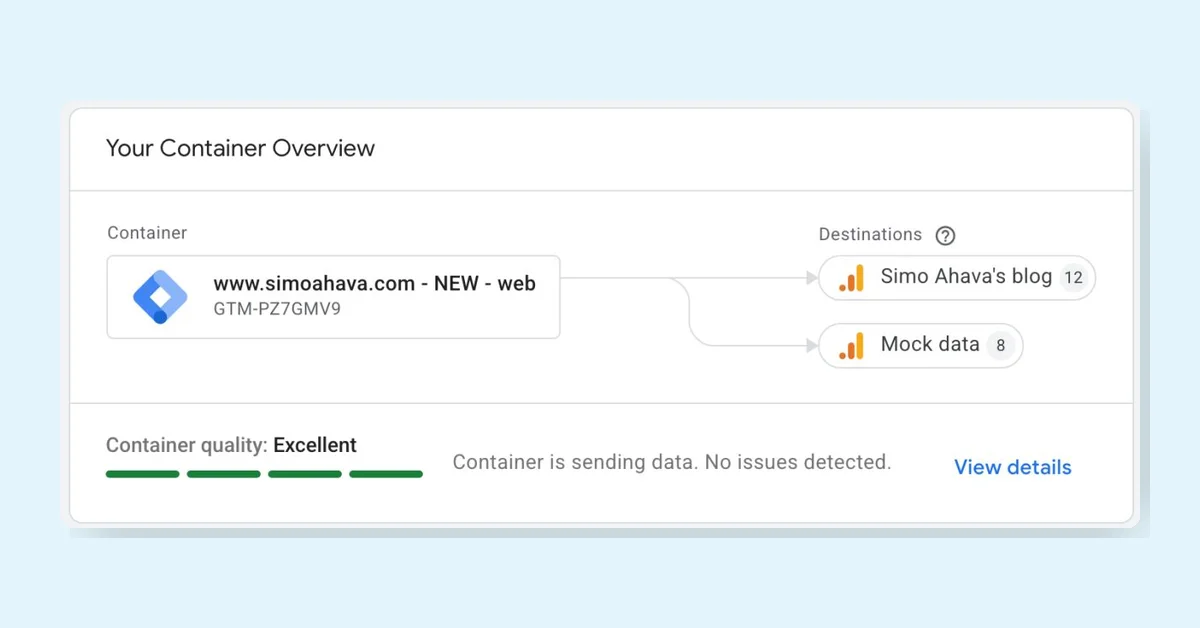
Google Tag Manager (GTM) is getting a major update making GTM containers become Google Tags, but this is optional and won't auto-collect data or require Google products. Legacy Google Tags become Destinations, reducing extra script loads and centralizing settings. The UI adds an updated overview, an advanced menu, and a visual event builder. Users can preview, test, and roll back changes before upgrading.
Measurement is key for growth in the AI era, helping businesses understand consumer journeys and drive sustained growth. Google is simplifying data management, causal experiments, and unified insights to improve marketing decisions. New tools include Data Manager updates, Google tag upgrades, Meridian GeoX for geo-experimentation, and Meridian Studio for easier marketing mix modeling, all aimed at boosting ROI and media investment efficiency.
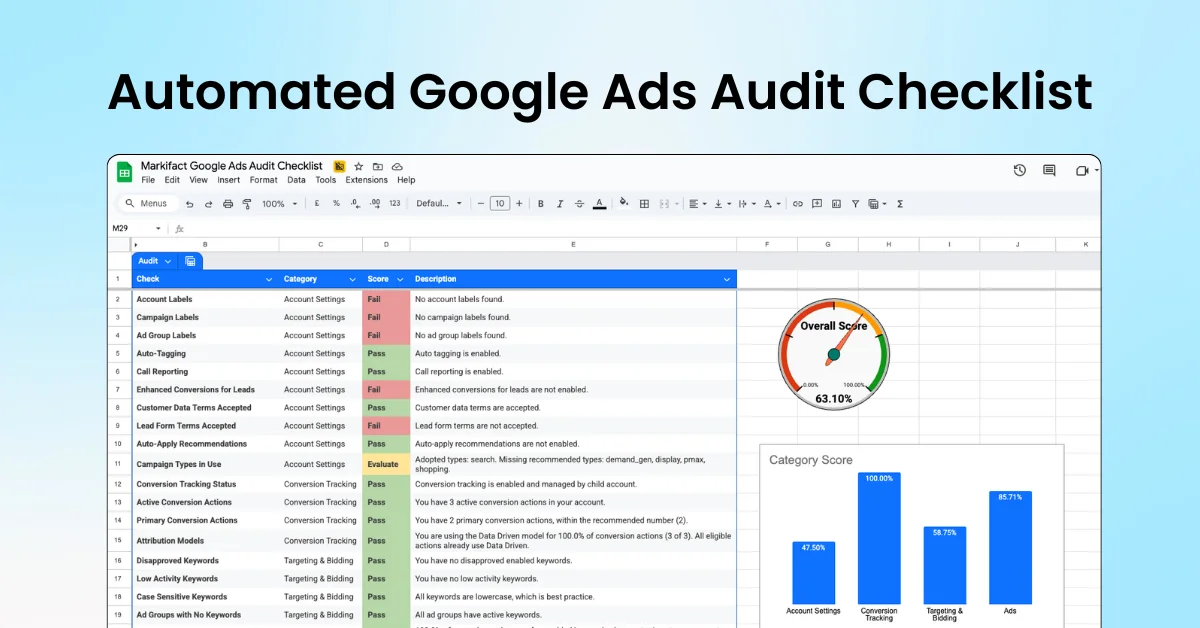
Run an automated Google Ads audit directly from Google Sheets with 40+ built-in checks. Review campaigns, ad groups, keywords, ads, and account settings to catch missed best practices and optimization gaps. Ideal for agencies and in-house teams to standardize audits, save hours of manual work, and turn findings into clear, actionable recommendations.
From June 15, 2026, Google Analytics data flow will be controlled by Google Signals, while Google Ads data will rely only on the ad_storage consent mode. This change removes GA's control over Ads data, requiring ad_storage consent for Ads data use. Denying ad_storage prevents Ads from accessing user identifiers beyond URL data. Ads personalization and IP address controls will also be updated later in 2026.
Ads Advisor and Analytics Advisor are AI tools designed to help businesses connect data with decision-making. They respond to natural language questions, recall past interactions, and provide tailored recommendations. Analytics Advisor uncovers hidden trends and insights, while Ads Advisor identifies campaign issues and offers creative ideas. Users should review AI suggestions and provide feedback to improve accuracy and relevance.
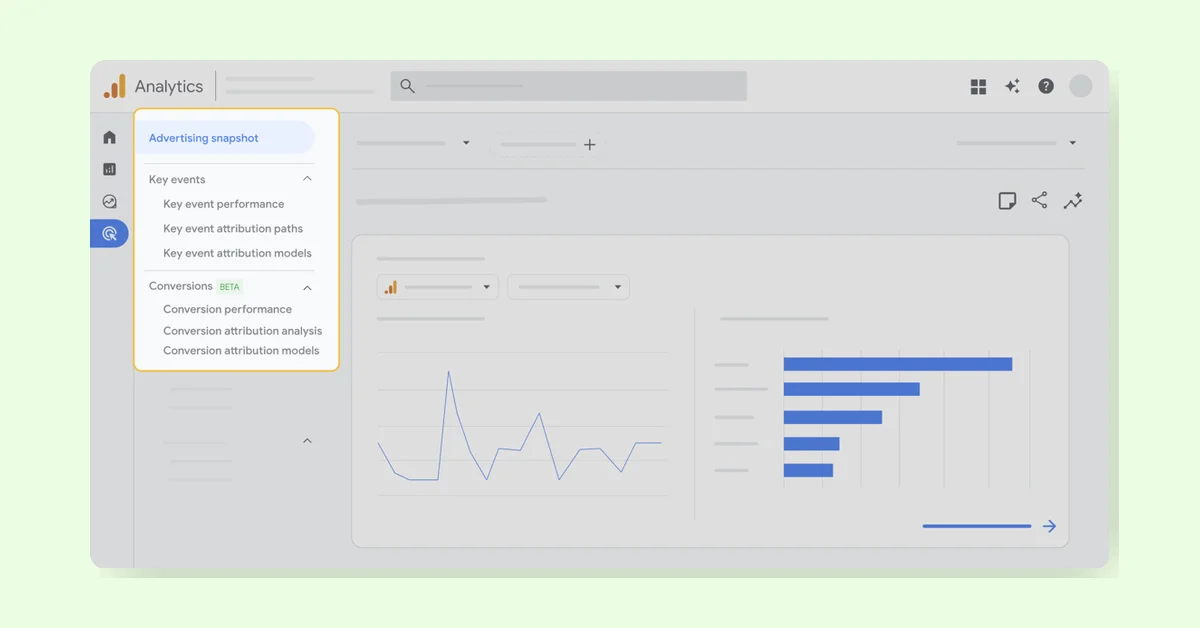
GA4's Cross-Channel Conversion Performance report unifies paid, organic, and campaign data for marketers, showing detailed metrics like ROAS and CPA. It streamlines decision-making by combining Google Analytics and Ads data. The report includes conversion and key event sections, attribution model comparisons, and conversion management tools, helping marketers track channel impact and user journeys across platforms efficiently.
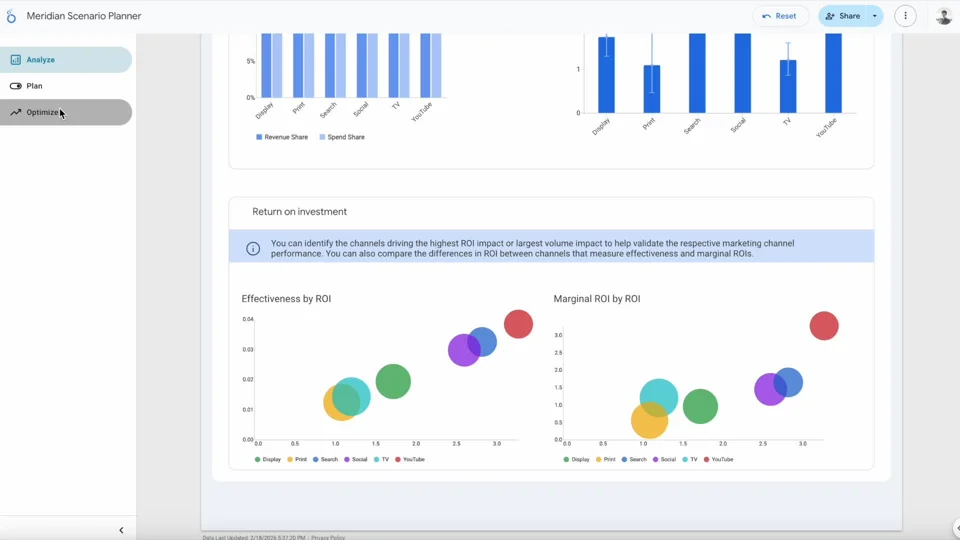
Google is adding Scenario Planner to its Meridian marketing measurement toolbox, giving marketers and developers tools to improve campaign measurement. Many marketers struggle to link Marketing Mix Model outputs to business decisions. Scenario Planner offers a user-friendly interface for experimenting with budgets and seeing real-time ROI without coding, making measurement insights more accessible and actionable.
Microsoft Clarity introduces AI Citations (beta), offering end-to-end visibility of how content is cited in AI-generated answers and drives AI-referred traffic. It unifies signals from Bing Webmaster Tools and Clarity, showing citation activity, query volume, and page citations. This helps brands understand their influence in AI answers, optimize content, and monitor AI visibility trends. Access is by invitation.
Google Tag Manager now automatically sends more Google Ads website events, reducing manual setup and improving data consistency. This allows advertisers to measure and gain insights more effectively with less effort. As more events are collected and sent, advertisers might see increased network requests to Google domains in the background.
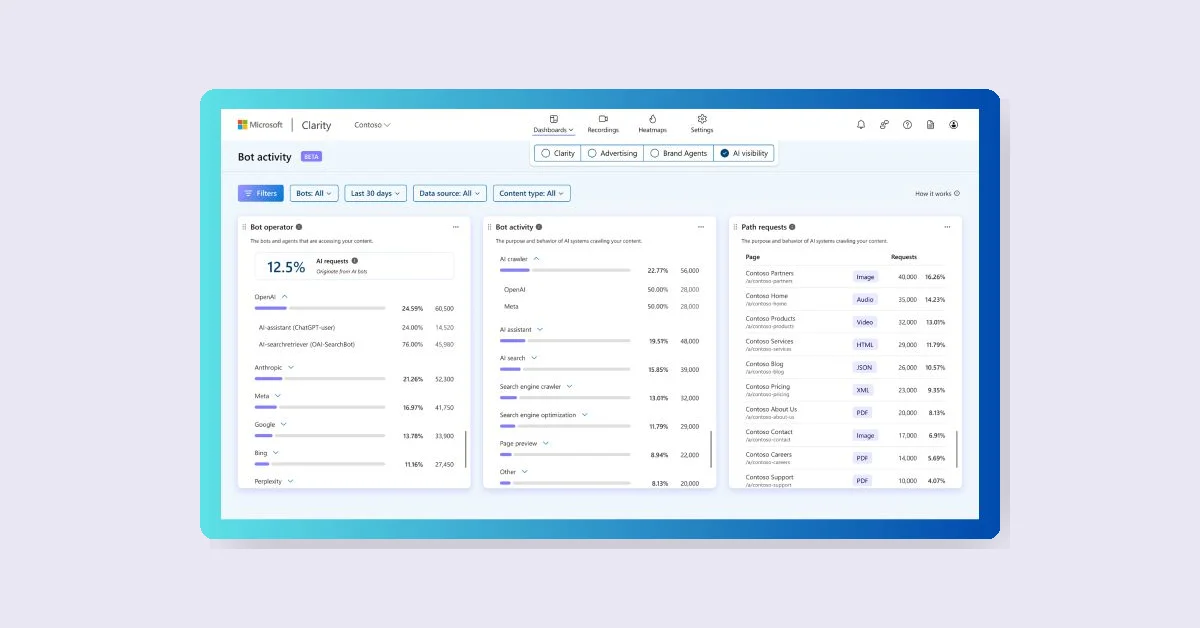
Microsoft Clarity introduces a beta feature called AI Bot Activity, revealing how AI assistants, search crawlers, and automated agents interact with your site. It shows which bots access your content, how often they crawl, and which pages get the most automated visits. This feature aims to provide visibility into automated web activity, helping teams make informed decisions. Available now in Dashboards → AI Visibility → Bot Activity.