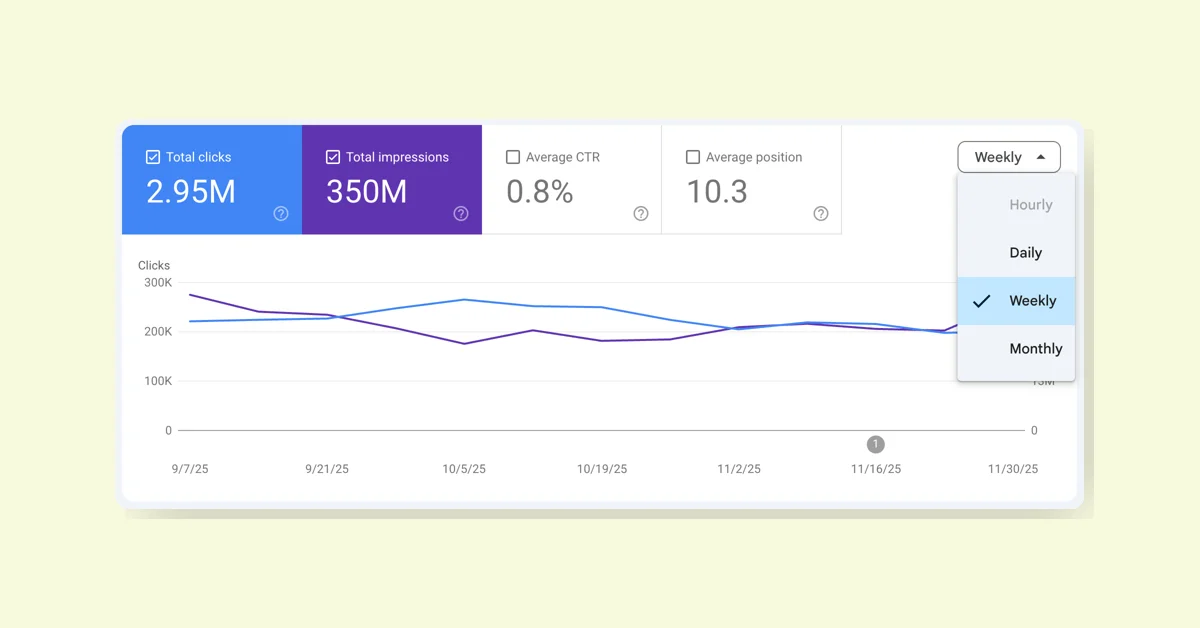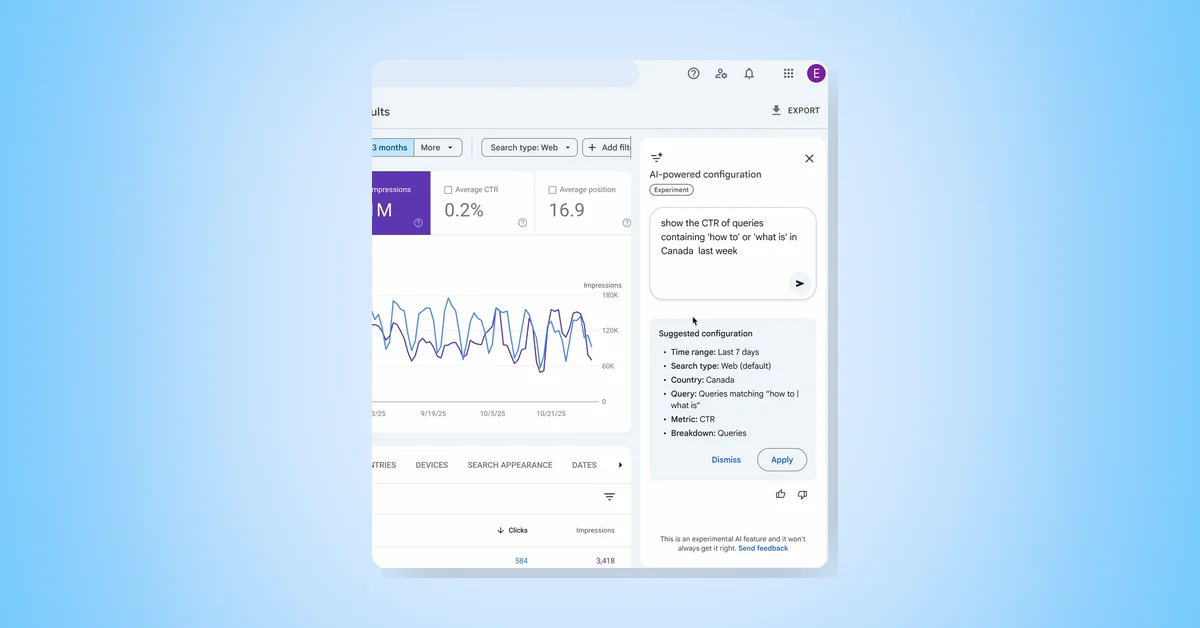
The Search Console's new AI-powered configuration feature, announced in December and now available to everyone, enhances the Performance report by simplifying data selection, filtering, and comparison through natural language input. This AI-driven tool automatically applies filters, configures comparisons, and selects relevant metrics—Clicks, Impressions, Average CTR, and Average Position—based on user queries, streamlining organic search traffic analysis.
Key Features
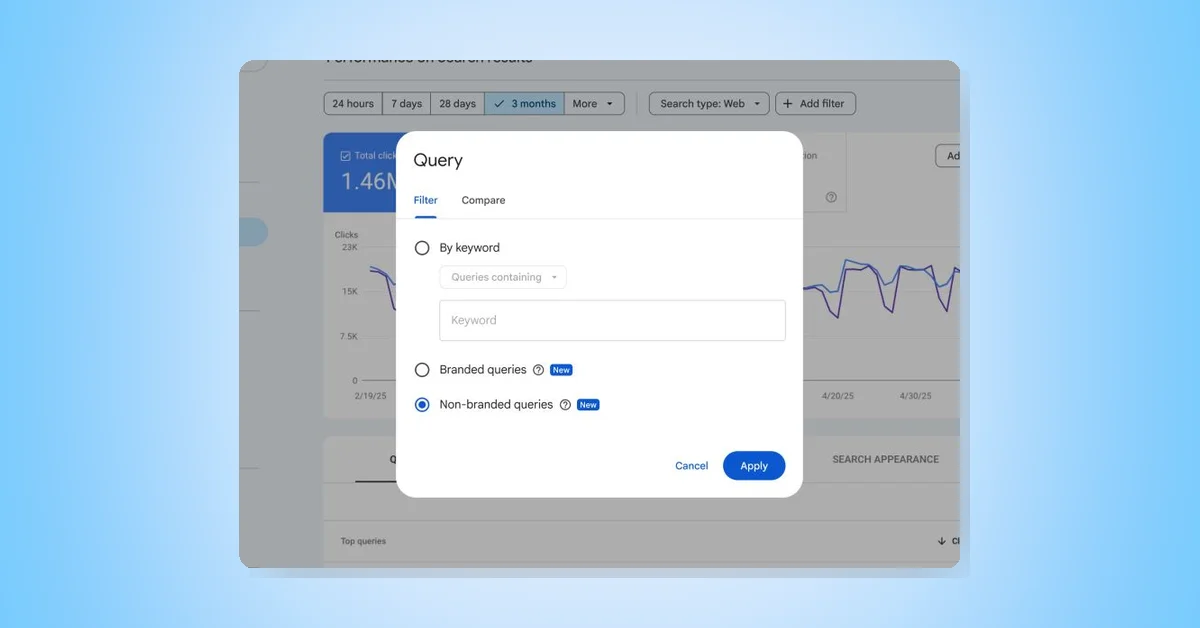
- Applying filters by query, page, country, device, search appearance, or date range.
- Configuring comparisons such as custom date ranges without manual setup.
- Selecting metrics tailored to the user's questions.
Example Queries
- "Show me queries on phone searches that contain the word 'sports' in the last 6 months."
- "Compare traffic for my pages that contain '/blog' in this quarter to the same quarter last year."
- "Show me the Average CTR and Average Position of my queries in Spain in the last 28 days."
- "Show clicks for pages that include the word 'google'."
Limitations
- Currently supports only the Performance report for Search results, excluding Discover or News reports.
- AI may misinterpret requests; users should verify filters before analysis.
- The feature configures filters, comparisons, and metrics but does not support sorting tables or exporting data.
The rollout is gradual, initially available to a limited set of websites, aiming to reduce the time and effort required for detailed search traffic analysis.