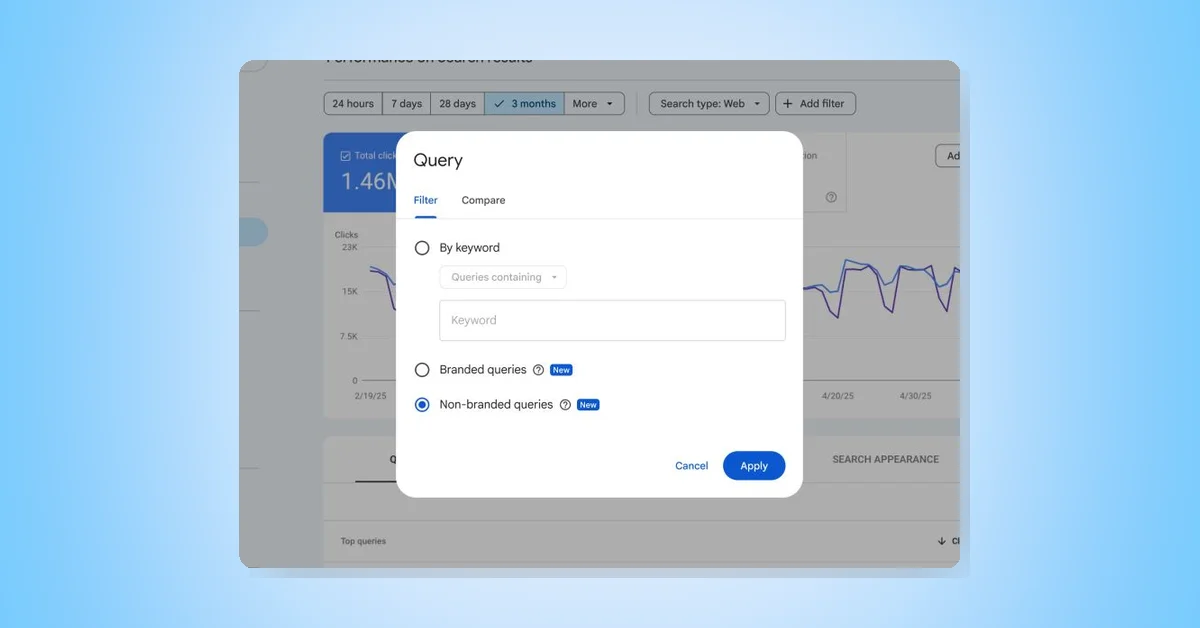
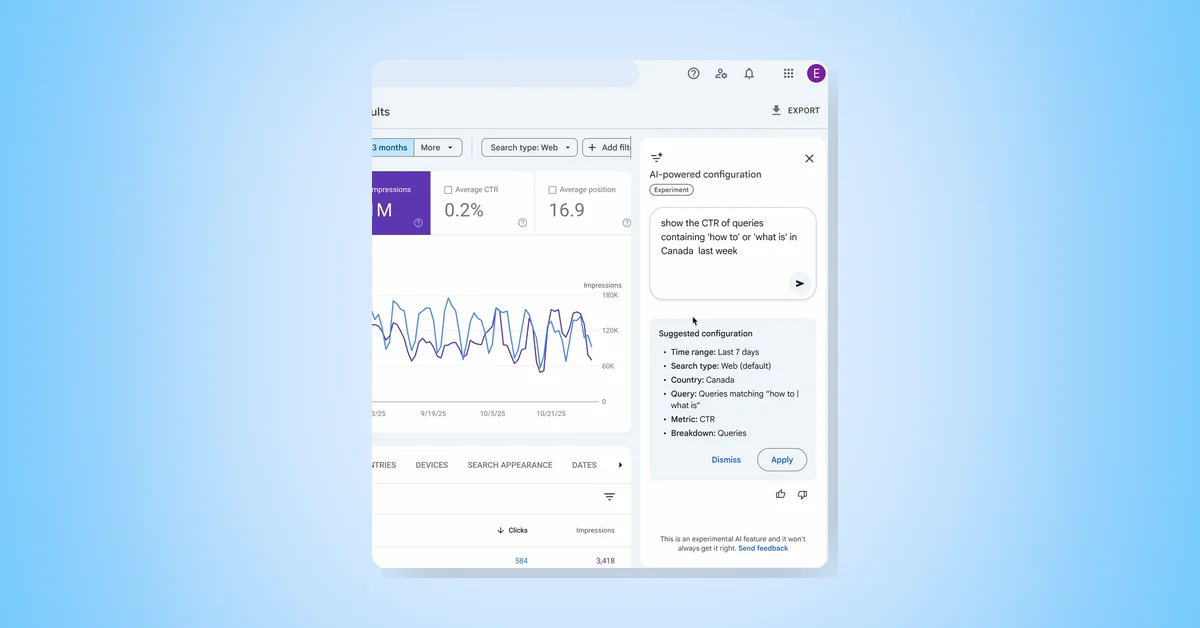
The Search Console Performance report helps analyze organic search traffic but can be time-consuming to configure. A new experimental AI-powered configuration feature simplifies this by allowing users to describe their desired analysis in natural language. The AI then automatically applies filters, sets up comparisons, and selects relevant metrics, instantly configuring the report.
Key Features of AI-powered Configuration
- Applying filters: Narrow data by query, page, country, device, search appearance, or date range.
- Configuring comparisons: Set up complex comparisons like custom date ranges without manual effort.
- Selecting metrics: Choose from Clicks, Impressions, Average CTR, and Average Position based on the query.
Example Queries
- Targeted filtering: "Show me queries on phone searches that contain the word 'sports' in the last 6 months."
- Complex comparisons: "Compare traffic for my pages that contain '/blog' in this quarter to the same quarter last year."
- Metric selection: "Show me the Average CTR and Average Position of my queries in Spain in the last 28 days."
- Specific content analysis: "Show clicks for pages that include the word 'google'."
Limitations and Scope
- Currently supports only the Performance report for Search results, excluding Discover or News reports.
- AI may sometimes misinterpret requests, so users should verify suggested filters before analysis.
- The feature configures filters, comparisons, and metrics but cannot sort tables or export data.
The rollout is limited to select websites initially, with plans for gradual expansion. This feature aims to reduce time spent configuring reports, enabling users to focus more on insights. Feedback is encouraged to improve the experience further.