Mehdi is a freelance consultant in digital analytics with over 12 years of experience in Lyon, France. He assists advertisers and agencies in designing, implementing, and leveraging custom analytics solutions. Before starting his own business, he spent 11 years as a project manager in various digital sectors. Active on Twitter and LinkedIn, Mehdi writes blog posts on advanced solutions using Looker Studio. He also enjoys speaking at conferences and organizing local analytics events.
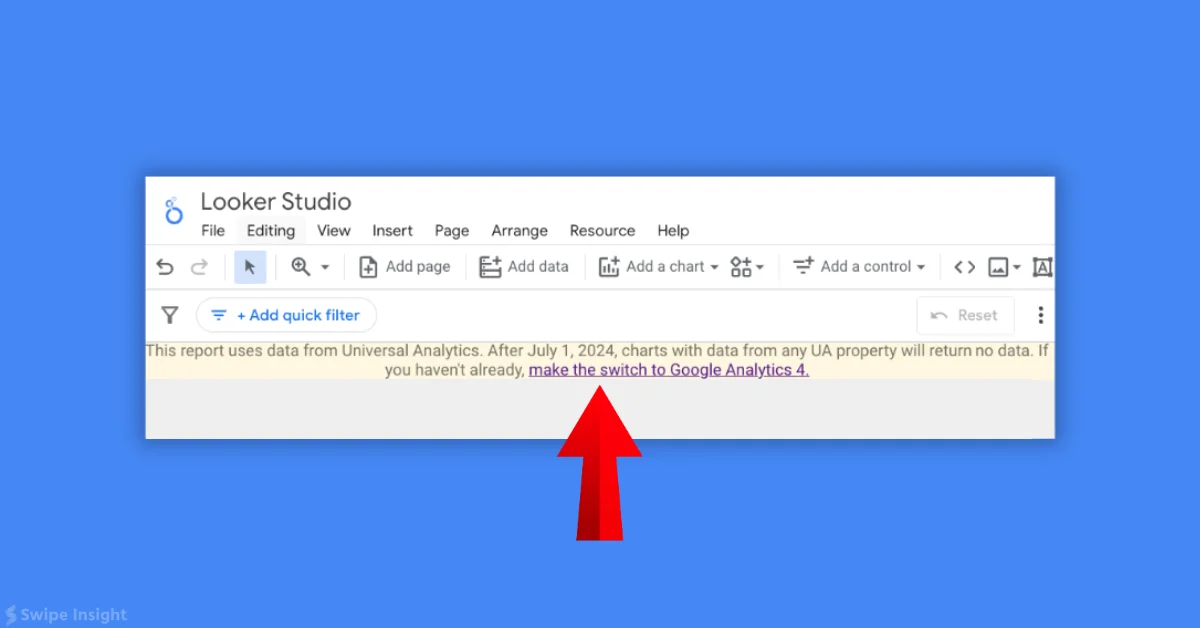
Google is mistakenly warning all users using Looker Studio Google Analytics connector that Universal Analytics data is expiring on July 1. The message is valid for Universal Analytics but not for GA4. A banner appears in Looker Studio reports using GA data, even for GA4 users, but only editors see it. The banner states that charts with Universal Analytics data will return no data after July 1, 2024. This issue is expected to be fixed soon.
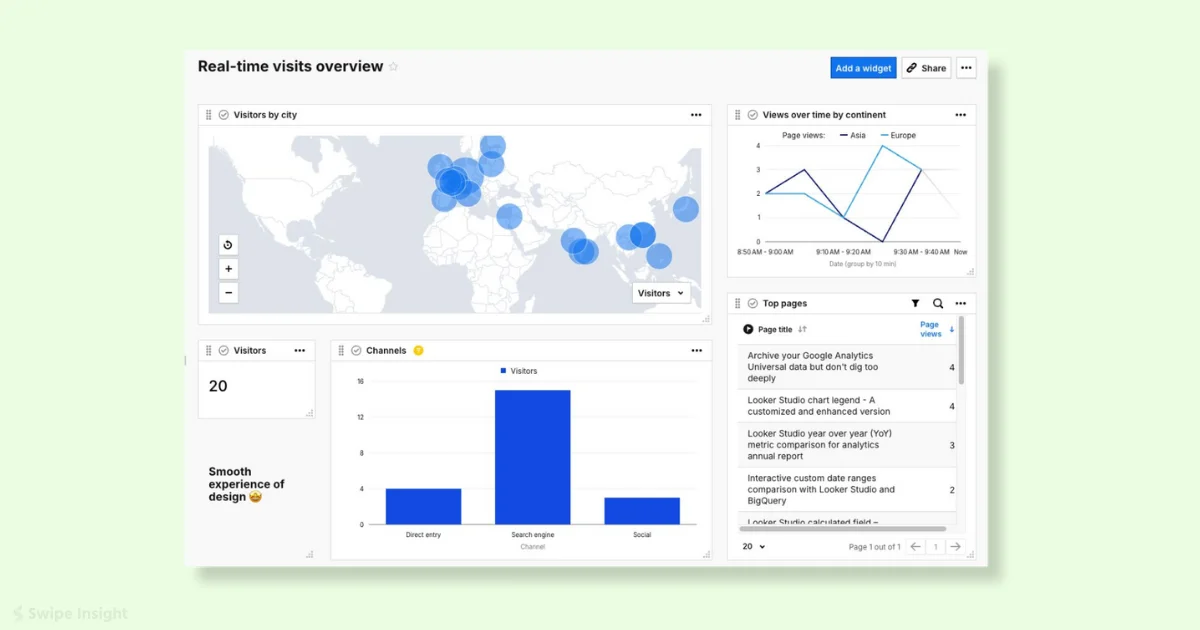
Real Time Report is coming to Piwik Pro, offering customizable real-time analytics with a variety of chart types, dimensions for live metrics, and comprehensive visitor and hit metrics. This feature will benefit businesses by enabling instant monitoring and quick decision-making. Key steps for effective real-time reporting include defining objectives, selecting the right vendor, customizing dashboards, and ensuring data quality.
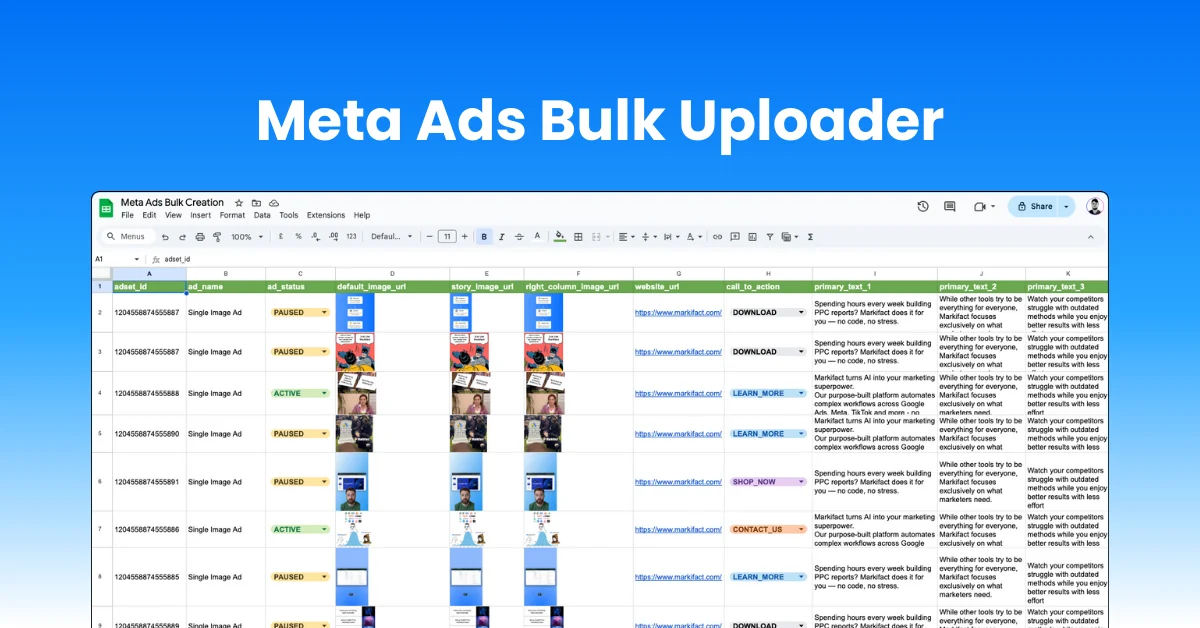
Upload all Meta ad types in bulk directly from Google Sheets, single image, video, carousel, and flexible ads. Control placements, multiple headlines, primary texts, descriptions, and creatives from one spreadsheet. Built for agencies and teams managing dozens of ads across multiple accounts, helping you launch faster, stay consistent, and avoid costly manual errors.
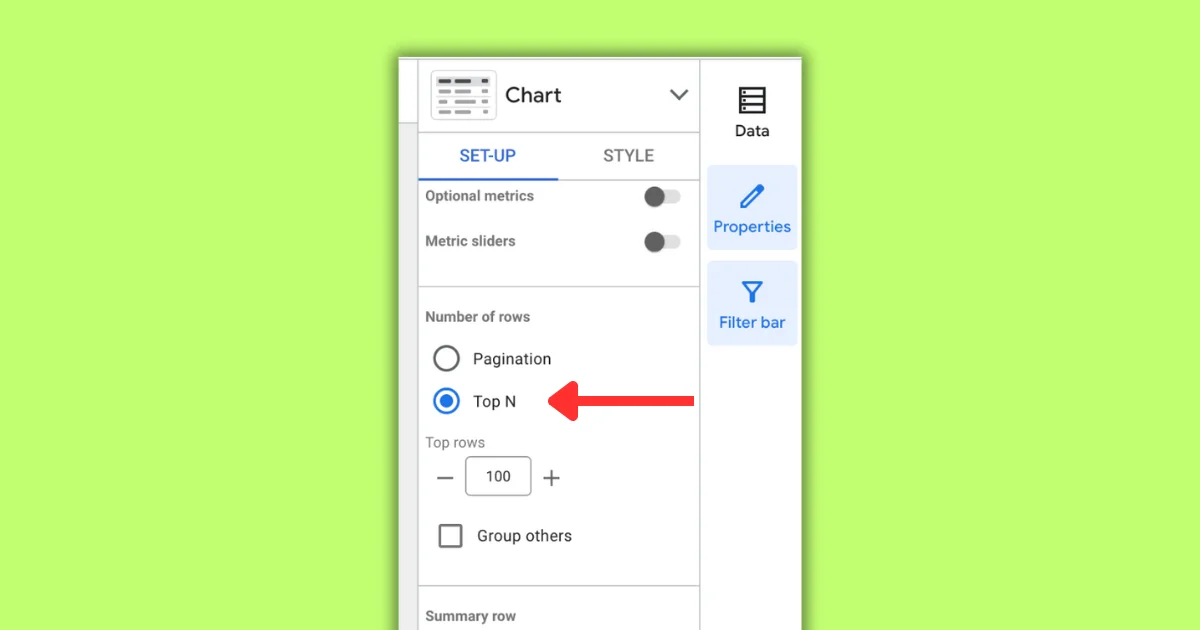
New Looker Studio features introduces changes to Pagination and Top N for table charts. Pagination options are now in the Setup tab, and users can choose between Pagination or Top N for table charts. Selecting Top N hides pagination and groups other values in the last visible row. The Group Others feature is available for all chart types, allowing users to limit the number of rows displayed.
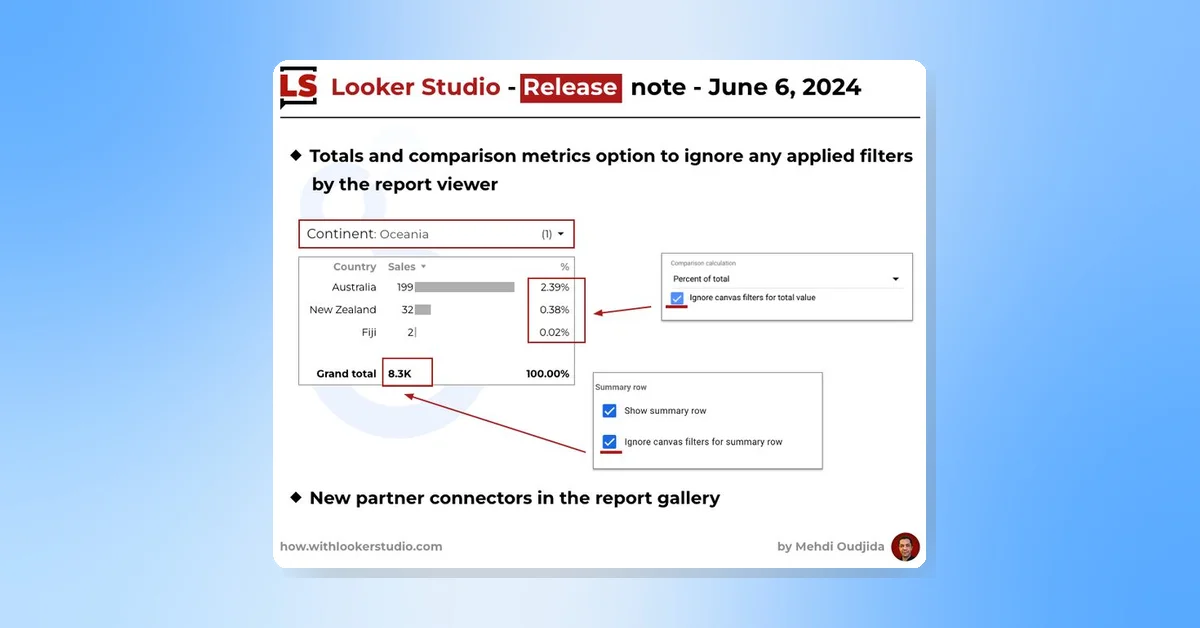
New Looker Studio release includes an option to ignore filters applied by the report viewer for totals and comparison metrics. For example, turning on this option in the summary row displays worldwide total sales even if the report is filtered for Oceania. The same applies to comparison calculations. Additionally, there are new partner connectors in the report gallery.
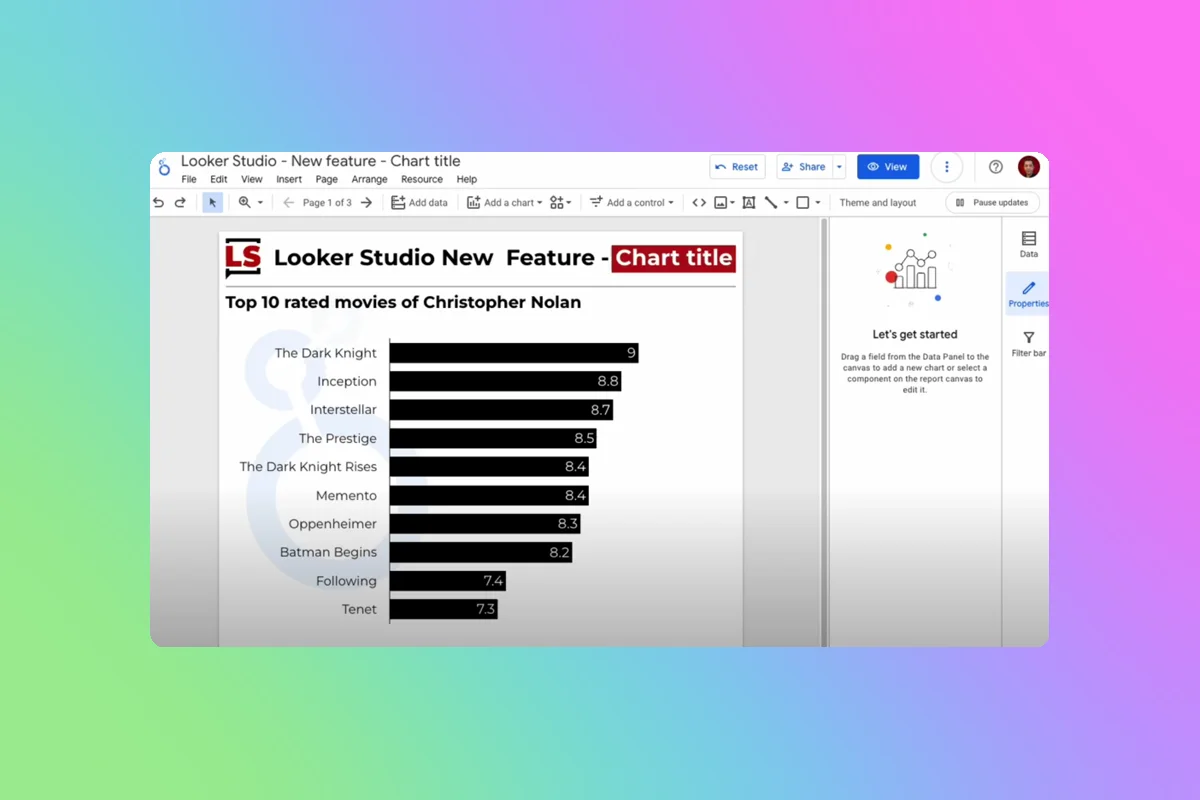
New feature, Chart titles, has been released by Looker Studio. This feature reduces the number of text elements in report pages, simplifying the process of building and maintaining reports. However, there is a suggestion to place the title above the header when it's at the top of the chart, as the header contains features integral to the chart experience.
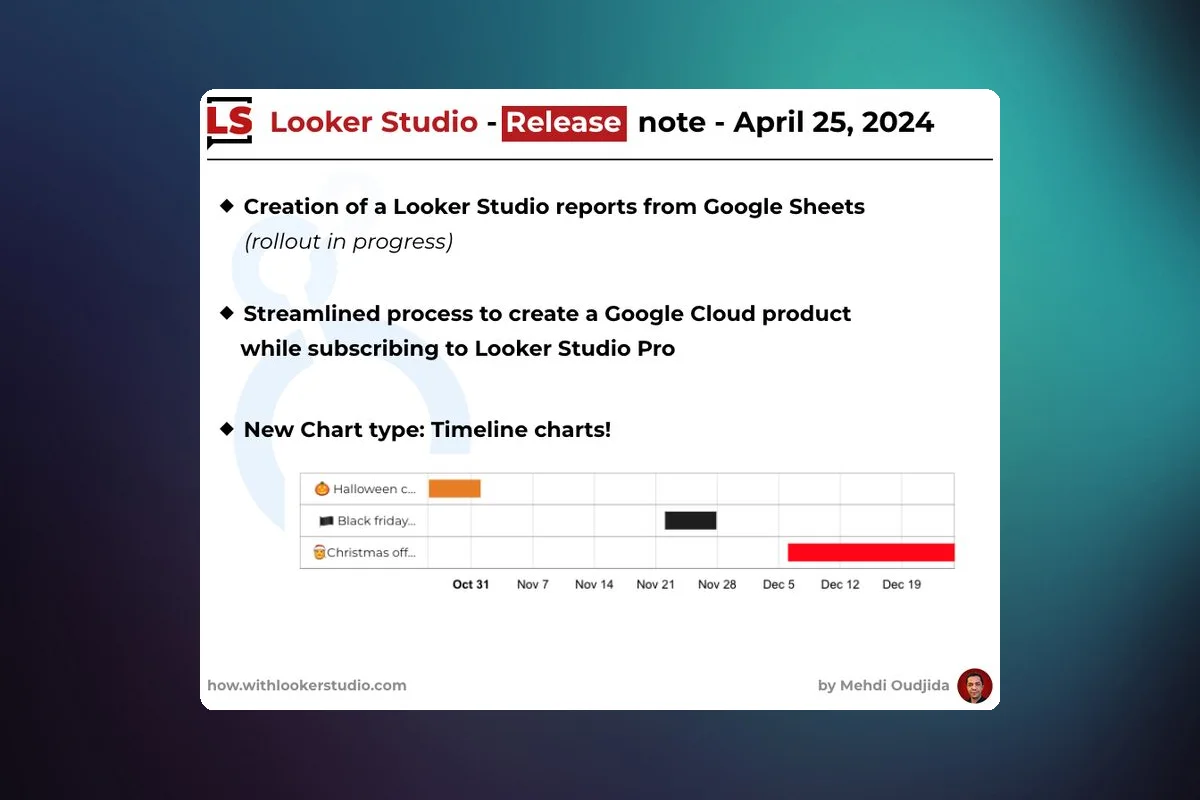
New as of April 25, 2024, LookerStudio has released a Timeline chart type, streamlined the process for creating a Google Cloud project during Looker Studio Pro subscription, and is currently rolling out a feature to create Looker Studio reports from Google Sheets.
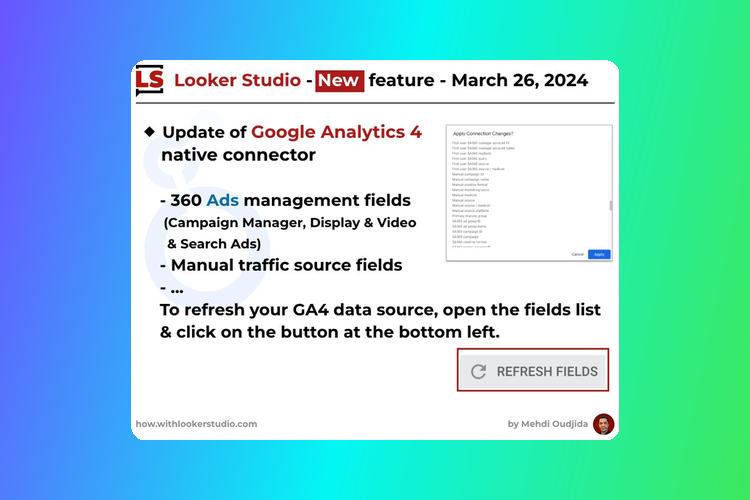
New update in Looker Studio introduces Google Analytics 4 native connector with features like 360 Ads management fields covering Campaign Manager, Display & Video & Search Ads, manual traffic source fields, and primary channel group. To refresh your GA4 data source, simply open the fields list and click the button at the bottom left. The update was spotted by Brais Calvo Vázquez.
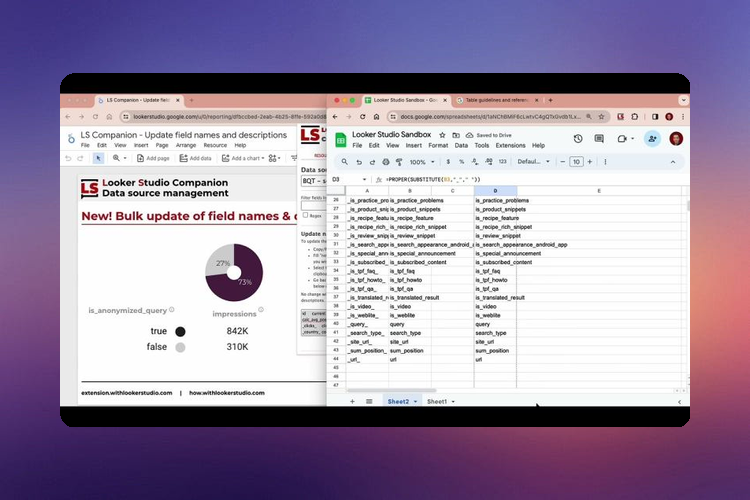
New LookerStudio Companion Chrome extension feature enables batch updates of data source field names and descriptions. It's designed to help manage data sources effectively and allows overwriting of default values set by connector developers. The feature can be used in conjunction with a Google Sheets sandbox, as shown in a linked video. The extension is available for download in the Chrome store.